Promo Tools Plugin for WordPress

Update: The sale for the workhorse Promo Tools plugin is now live at just $27.00.

Personal Use Rights - $27

Buy now

You can optionally purchase Private Label Rights to this plugin on this page only for $47.

Private Label Rights - $47

Buy now

***

Demo Page Here

The Promo Tools Plugin Will Work With Multiple Saleable Items On A Single Site – ie Many Promo Tools Pages

If you’re a product creator / owner (if not, why not?) then it’s likely you’ll be running an affiliate scheme. In order to get affiliates to promote for you, you want to make their lives as easy as possible.

If it’s difficult (or even just a little bit of trouble) they won’t bother and you’ll lose out on many sales you could have picked up – it’s as simple as that.

There are many affiliate schemes I’ve walked away from because they either required you to jump through hoops, or the approval process was lengthy. There are plenty more fish in the sea is the way I look at it and I reckon lots of other people feel the same.

I think that’s reasonable.

In order to make an affiliate’s life easy, one of the things you should do is provide them with the tools they need to do their job.

And the way you do that is to create a set of banners, links, and “swipe” copy emails, articles and blog posts. In other words, you do all the work once so that none of your affiliates have to.

They just join your affiliate scheme, choose which promo tools they want to use and away they go.

If you can cut their time down from several hours to a few minutes then you’re doing it right and the chances of them continuing to promote for you are high.

Better still, if you’re using a self-hosted affiliate script then just think of all those nice backlinks you’re going to get from affiliates doing their thing. Even if they don’t generate a single sale, you’re still getting all that link love.

IF you make it easy for them.

The Promo Tools plugin lets you do that.

With it you can create multiple “groups” and multiple tools per group.

What that means is you can allocate a group to a single saleable item, and provide multiple promo tools.

The plugin itself doesn’t care what kind of tools you create, and as long as you understand some basic HTML (eg:- p, a, strong, br) then that’s about all you need.

Like me you can have multiple items for sale on a single site, and create lots of different promo tools pages for each saleable item.

Once you’ve done your bit in the plugin, you end up with a group short code that you paste onto the relevant promo tools page for the saleable item.

The page then gets auto-populated with all the tools you’ve created for that item.

The plugin is as simple as can be while still retaining the maximum amount of flexibility.

I think when you’ve seen that, you’ll want the plugin.  😉

The sale goes live Sunday 19th January at 2.00pm GMT (9.00am EDT) and will run for a couple of days.

As I said above, you can pick up a personal use copy for as many blogs as you personally own ($10), or you can opt for the PLR version which you can rebrand and sell as if it were your own plugin ($47).

The PLR version includes documentation in Open Doc format, screen captures and a sales page. With a little bit of work you can have it up and on sale in a couple of hours or less.

-Frank Haywood

P.S. The normal sales page for the Promo Tools plugin can be found here, but don’t buy from that page as it’s on sale there at $27.00.
Posted by Frank Haywood in internet business, software, wordpress plugins

Magic Pop Alert

Update: The sale for the very useful Magic Pop Alert plugin is now live at just $12.50 for the first 24 hours.

Buy now

***

Demo Page Here

During this sale ONLY it comes with full developer (client/flipper) rights, and ALSO resale rights* too. When the sale is over these rights will be removed and will be an optional purchase, so this is the best time to get the plugin.

As usual I’m releasing a plugin that I wanted for my own purposes, and you also get the benefit from it too, and (as it’s new) you’ll get it at the lowest price it will ever be.

What does it do?

Magic Pop Alert allows you to add highly customisable “alerts” to your pages and posts for something you want to bring to your readers attention.

This might be an optin, a new product or feature article, or any kind of special offer.

There are several alert types built in, including text, news, contact, profile and YouTube videos.

You can set the video alerts to autoplay if you wish, and all of the alerts can appear (and disappear) either on a time delay or by the user scrolling down a number of pixels you define.

There are a LOT of features – too many to describe in any detail here, but here’s a bulleted list of the main feature set:-

  • 8 different content types
  • variable width (and height for YouTube videos)
  • Highly customisable alert appearance:-
  • 5 Different alert theme appearances
  • 3 Drop shadow styles
  • 3 Border radius styles
  • Header height
  • Background colours
  • Font colours, family and size
  • Border style, colour and thickness
  • 59 Alert icons
  • 5 Close icons
  • 9 Toggle icons
  • Alert preview in editor
  • Time delay open and close
  • Scroll down trigger
  • 4 Alert positions – bottom, top, left, right
  • Optional “close” icon
  • Optional “toggle” icon
  • Optional content display at alert appearance
  • Optional audio alert (currently Chrome browser only)
  • 5 different pleasant sounding audio alerts
  • 5 different appearance effects:-
  • Slide down
  • Slide up
  • Slide left
  • Slide right
  • Optionally hide the alerts for non-members (WP subscribers)
  • Optionally display on mobile devices
  • Optional “expiry” cooky
  • Add multiple alerts on a page/post basis
  • Add multiple alerts to the home page

Phew!

Despite all those features, there are a couple more I’d like to add and I’m hoping to get those working in the next 7-10 days depending.

You should then get an extra level of control over the alerts.

-Frank Haywood

Posted by Frank Haywood in internet business

Magic Countdown Plugin

Update: The sale for the exciting Magic Countdown plugin is live at just $27.00.

Buy now

***

During this sale ONLY it comes with full developer (client/flipper) rights, and ALSO resale rights* too. When the sale is over these rights will be removed and will be an optional purchase, so this is the best time to get the plugin.

Why would you need a countdown plugin?

Simple.

Time Based Scarcity Sells

We all want to get a bargain – I know I do – and you should have seen the interest generated in our household over the Steam (online gaming store) discounts last week. They were running flash sales that changed every 8 hours as well as 24 hour sales too with large discounts on hundreds of games.

They were running timers on all their game discounts and my two lads (yeah, me too as a confessed gamer) felt the extreme pressure of deciding which games they wanted to go for, and which to leave.

It was dynamite.

The pressure of each sale gradually ticking away to zero must have been intense for many people and there were a good few purchases in our house with only minutes to spare.  😉

This stuff works! Time based offers work. It’s a fact that we all know, maybe not consciously, but when you think about it, we’ve all been trained over the years.

And so…

What the Magic Countdown plugin does is let you place floating countdown timers on your WordPress sites.

It does it in a number of different ways, with two key methods.

A banner (which you’ll probably use mostly) and a floating widget.

You can set multiple countdowns on your WordPress driven site, with a different countdown on each page and post using different types and all with their own styles applied. You can set the banner countdowns to float in 6 different locations.

You can also do cool stuff like set the countdown based on a direct cut off date, OR from the first time someone visits a page. So if a visitor went to a page now, you may have set the countdown to run for 37 minutes from their arrival there. (37 minutes so it doesn’t look so obvious!)

As I’ve described above, and as you already know, this is strong stuff.

Imagine landing on a page for something you’re looking for and finding there’s a discount that expires in 37 minutes time.

You’re going to buy. I know for a fact that I would.  😉

The plugin does quite a lot, and it’s far easier to go watch the short overview video that explains it all.


-Frank Haywood

* Having resale rights means you can sell it for a profit, not give it away, but your buyers don’t get the right to resell conferred to them, only you do. I am also toying with the idea of letting Plugin Great members have master resale rights to some of my plugins, but I’m still thinking about that one so watch this space.

** Never miss another plugin or theme release and get them all for one fixed monthly or annual price by joining the Plugin Great membership. You’d be joining plenty of happy customers by doing so. 😉

http://plugingreat.com/join-the-plugin-great-membership/

Posted by Frank Haywood in internet business

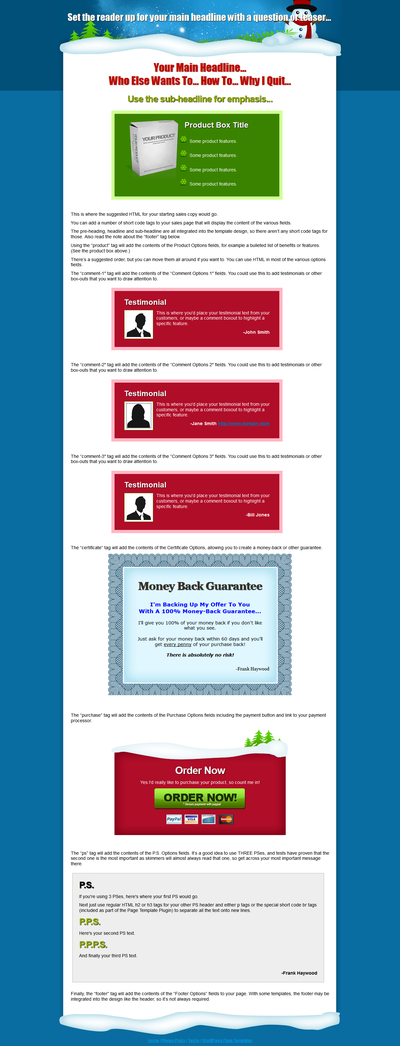
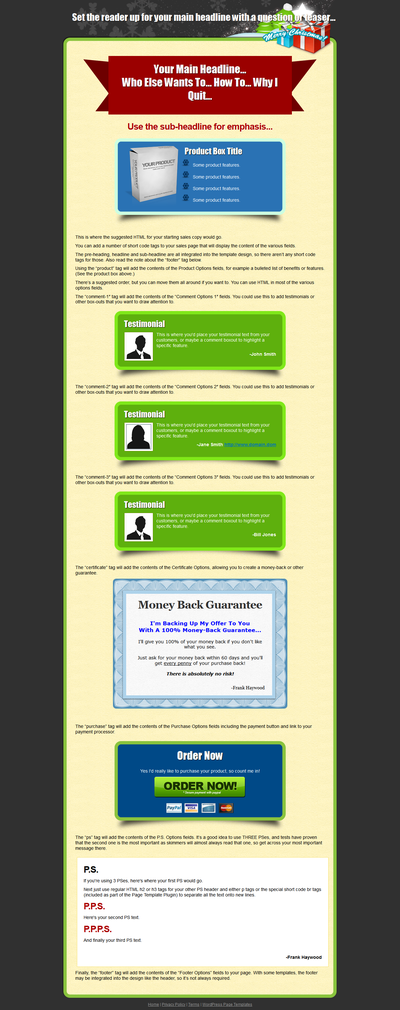
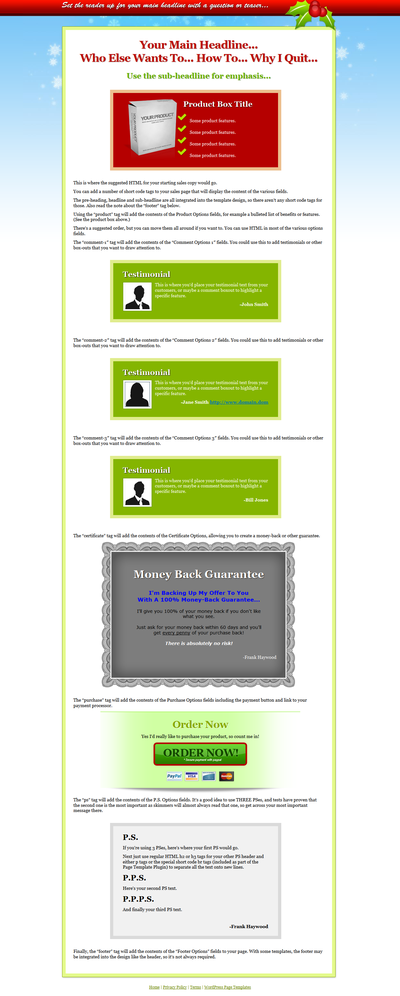
Seasonal Page Templates – Xmas

Update: The sale for FIVE Christmas page templates plus plugin AND the HTML versions is now live at just $10.00.

Buy now

***

I almost forgot to tell you about this and I should have done so a few days ago.

FIVE seasonal page templates all

ready for Cyber Monday.

In case you didn’t know, Cyber Monday is the first Monday after Thanksgiving and Black Friday and is now the day that most money is spent online – according to Wikipedia.

With this bundle, you get the HTML versions of the templates for non-WordPress sites, plus WordPress Page Template Plugin PRO versions of the templates too.

XMAS001

XMAS001

XMAS002

XMAS002

XMAS003

XMAS003

XMAS004

XMAS004

XMAS005

XMAS005

And I don’t mind saying they’re absolutely lovely – my personal favourite is XMAS003.

The PRO version of the Page Template Plugin includes some of the Big Ed functionality, plus some of the Magic Styles functionality and also Google Web Font support too, so it’s well worth having.

Plugin Great members will find them on the download page.

-Frank Haywood

Posted by Frank Haywood in internet business

Auto Password Change Plugin

Update: The sale for the security conscious Auto Password Change plugin is now live at just $10.00 for the next 48 hours.

Buy now

***

Today, Thursday 21st November at 6.00pm GMT (1.00pm EDT) I’m releasing a NEW plugin called Auto Password Change.

During this sale ONLY it comes with full developer (client/flipper) rights, and ALSO resale rights* too. When the sale is over these rights will be removed and will be an optional purchase, so this is the best time to get the plugin.

The Auto Password Change Plugin WILL Make Your Users More Aware Of Security On Your Blogs

If like me you have third parties with admin rights logging into your WordPress sites – or you look after clients sites for them – then you want this plugin.

In a nutshell it gives you control over how often the users have to change their passwords.

Now then. I reckon most people aren’t *that* security conscious – it’s our default state. I’ve been given access to plenty of customer sites over the years and while I would never do anything to harm a site, not everybody has the same scruples as I do.

As a result I’ve seen some pretty poor passwords such as short, real words (e.g. apple, treetop and so on) and passwords with simple number replacements for certain letters (e.g. 4ppl3, tr33t0p) which isn’t much better.

(By default, on your WordPress user profile, it will tell you if your password is strong or not and my guess is most people’s aren’t.)

These passwords will fail to simple “brute force” attacks.

Part of the answer is to make your users more aware of the security problem and one way to do this is to get them to change their passwords on a regular basis.

Better still is to automate the process and that’s what this plugin does.

You get to set a password reset frequency where your users are required to change their password every so many days. You can also display a message to them when it’s time to do so.

auto-password-change-02

In addition you can skip this requirement for admin users (not a good idea, but it’s in there anyway) and also ignore the users first time login. This is where you may have added someone manually to the site, or they’ve been added via a membership plugin or similar.

auto-password-change-03

Once this is in place, then you’re automatically making people aware of site security by default.

It’s important. I know…

In the past I’ve had a couple of blogs get hacked and defaced with ads and I know it’s because I’ve used poor passwords and left them in place for a very long time.

When they go down, that unplanned time to fix them hurts – even worse when it’s a client’s site – and the things is it’s all so very easy to avoid.

The plugin will also allow you to take manual control over a users last password reset date, so if you’re using a VERY secure password (I do), you can exclude yourself from the requirement to update your password by setting the date in the future, while still requiring all other admin users to change theirs on a regular basis.

auto-password-change-04

I’m sure that deep inside you know this is something you should be doing.

***

The sale starts today 21st November at 6.00pm GMT, and you can do one of two things.

#1 – Be one of the first to get the plugin at the starting price of $10.00.

#2Join the Plugin Great Membership and get AT LEAST two new plugins, themes or scripts every month for one fixed price that won’t hurt your pocket.

In reality, as I release so many products and also run weekend sales the chances are high that you’ll get 3 new products per month in the membership – in fact there have been THREE released so far this month if you include Auto Password Change.

As I write this I have four other plugins almost ready for release with several more in various stages of development all of which I’d like to release before the end of the year.

Becoming a member is the perfect way to never miss out on a product release of mine again.

And it’s cheaper too.  😉


-Frank Haywood

* Having resale rights means you can sell it for a profit, not give it away, but your buyers don’t get the right to resell conferred to them, only you do. I am also toying with the idea of letting Plugin Great members have master resale rights to some of my plugins, but I’m still thinking about it so watch this space.

Posted by Frank Haywood in internet business